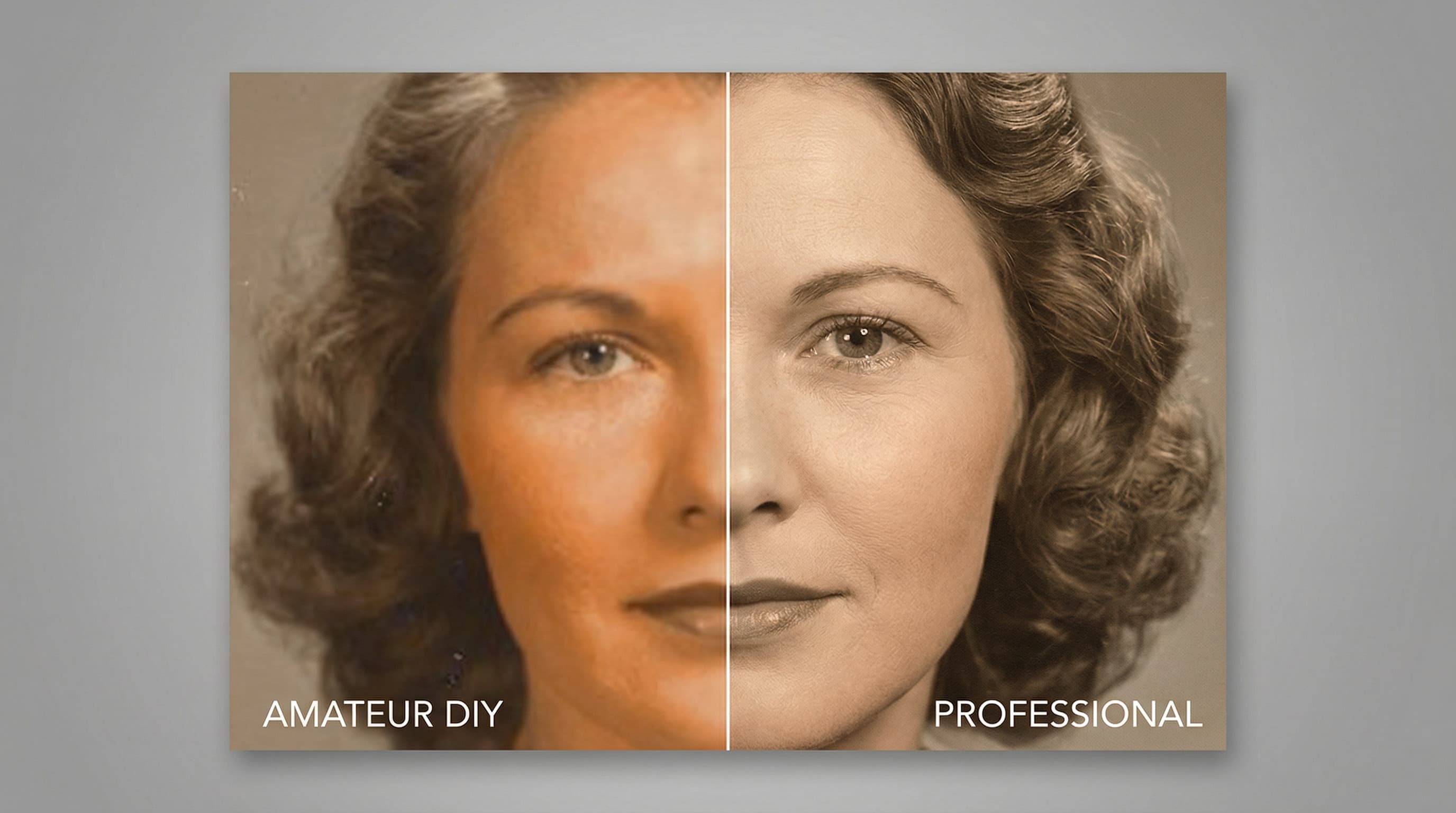
Two Valid Paths to Restoring Your Photos
If you have old, damaged, or faded photographs that need attention, you have two fundamental options: do it yourself with software tools, or hire a professional restoration service. Neither option is categorically "better" — the right choice depends on the specific photograph, the type and severity of damage, your skill level, and how much time and money you are willing to invest.
This guide provides an honest, side-by-side comparison to help you decide which approach suits your situation. We will cover the real advantages and limitations of each path, because an informed choice always leads to a better outcome.
The DIY Approach: What It Involves
Tools and software
DIY photo restoration requires photo editing software with retouching capabilities. The most common options are:
- Adobe Photoshop ($22.99/month): The industry standard, with powerful tools for cloning, healing, color correction, and layer-based editing. The learning curve is steep, but the capabilities are extensive.
- GIMP (free): An open-source alternative to Photoshop. It offers many of the same tools, though the interface is less polished and some advanced features are missing or implemented differently.
- Affinity Photo (one-time purchase, approximately $70): A capable mid-range option with a more approachable interface than Photoshop and no subscription cost.
- Mobile apps (free to $10): Various apps offer one-tap "restoration" features. Results are highly variable and generally inadequate for anything beyond very minor corrections.
What you can realistically achieve
With patience and practice, a hobbyist using Photoshop or GIMP can produce good results for:
- Basic color correction: Fixing fading, color casts, and contrast issues.
- Minor scratch removal: Using the healing brush or clone stamp to paint over small blemishes.
- Simple crack repair: Filling in narrow, straight cracks in areas with uniform texture (like backgrounds or clothing).
- Cropping and straightening: Removing damaged borders or correcting a tilted scan.
These tasks represent the bread and butter of DIY restoration, and for photos with only these types of issues, doing it yourself is a perfectly reasonable choice.
Where DIY typically falls short
The limitations of DIY restoration become apparent when the work requires:
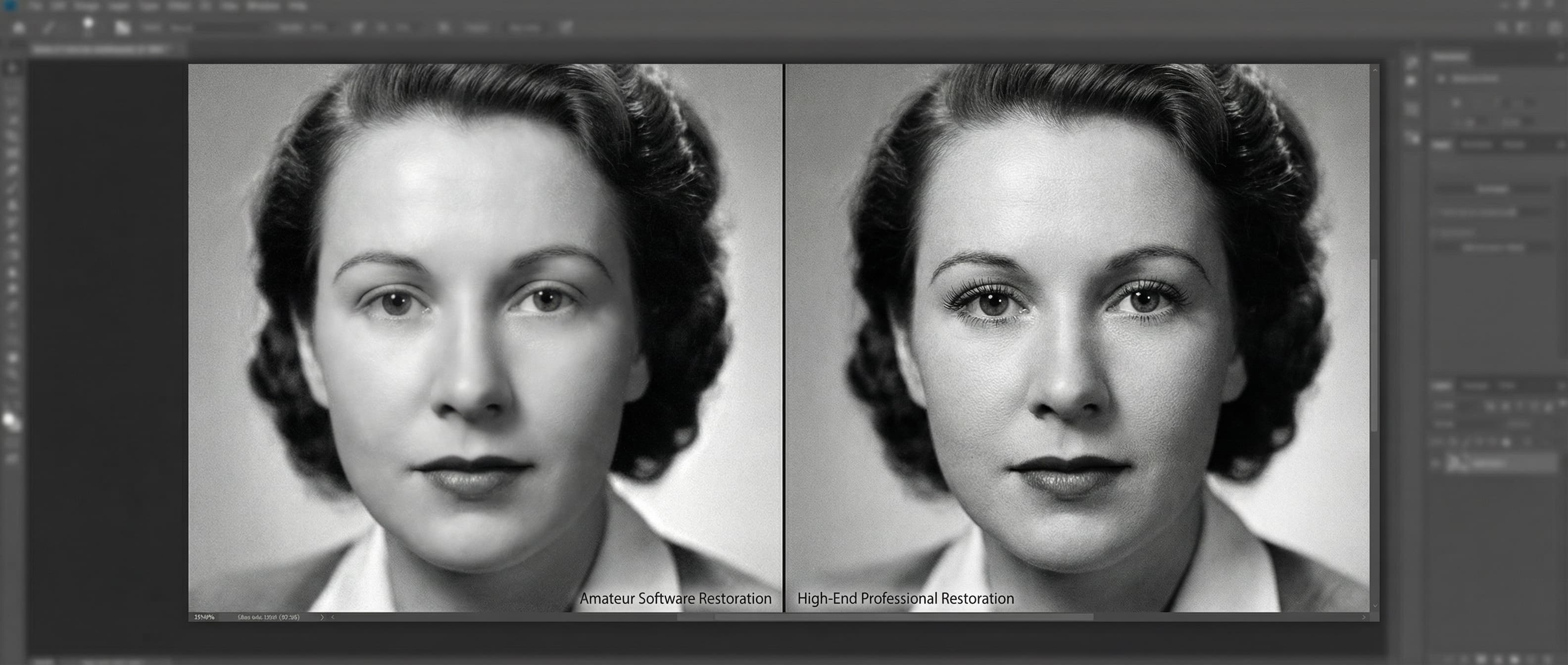
- Facial reconstruction. Rebuilding a nose, eye, or mouth that has been damaged or obscured requires an understanding of human anatomy, lighting, and perspective that takes years of practice to develop. The human eye is extraordinarily sensitive to faces — even small inaccuracies will register as "wrong" to the viewer, even if they cannot articulate what is off.
- Large area reconstruction. Filling in a missing corner or a torn-away section of an image requires the artist to essentially create new image content that matches the style, texture, lighting, and perspective of the original. This is one of the most difficult skills in restoration.
- Seamless blending. Professional-quality restoration is invisible — the viewer should never be able to tell where the damage was. Achieving this level of integration requires not just technical skill with the tools, but an artistic eye for color matching, texture, and tonal consistency.
- Consistent quality across a collection. If you are restoring a batch of family photos, maintaining a consistent level of quality and a natural look across all images is challenging without experience. A professional develops this consistency through years of daily practice.
Time investment
This is the factor most DIY beginners underestimate. Restoring even a moderately damaged photograph can take:
- 2-4 hours for a hobbyist working on basic fading and scratch correction
- 6-10 hours for moderate damage with cracks, stains, and some detail loss
- 15-25+ hours for severe damage with tears, missing sections, and facial damage
These are realistic estimates for someone with intermediate Photoshop skills. A complete beginner will take significantly longer and may need to redo work multiple times. For a deeper understanding of damage levels and what they require, see our article on fixing damaged pictures.
The Professional Approach: What It Involves
What a professional restoration service provides
When you hire a professional restoration service, you are paying for a combination of:
- Trained expertise. Professional restoration artists typically have years of experience working on thousands of photographs. They have encountered every type of damage and know the most effective techniques for each.
- Specialized workflow. Professionals have developed efficient, proven processes for restoration work. What takes a hobbyist 10 hours may take an experienced artist 2-3 hours — and the result will be more refined.
- Quality control. Reputable services review every restoration at full resolution before delivery, checking for artifacts, inconsistencies, or areas that need refinement.
- Revision support. If the result does not meet your expectations, professional services offer revisions. At RestoredPast, revisions are included with every order.
What professionals do better
- Facial reconstruction: This is where the gap between amateur and professional work is widest. An experienced restoration artist understands facial proportions, skin texture, and how light falls across different facial features. They can rebuild a damaged face that looks natural and convincing.
- Color accuracy: Professionals develop a calibrated eye for color. They can identify and correct subtle color casts that a hobbyist might not even notice, and they can restore the original color palette of a photograph with remarkable accuracy.
- Invisible repairs: The hallmark of professional restoration is that you cannot tell it was done. Repairs blend seamlessly with the surrounding image, maintaining consistent texture, grain, and tone throughout.
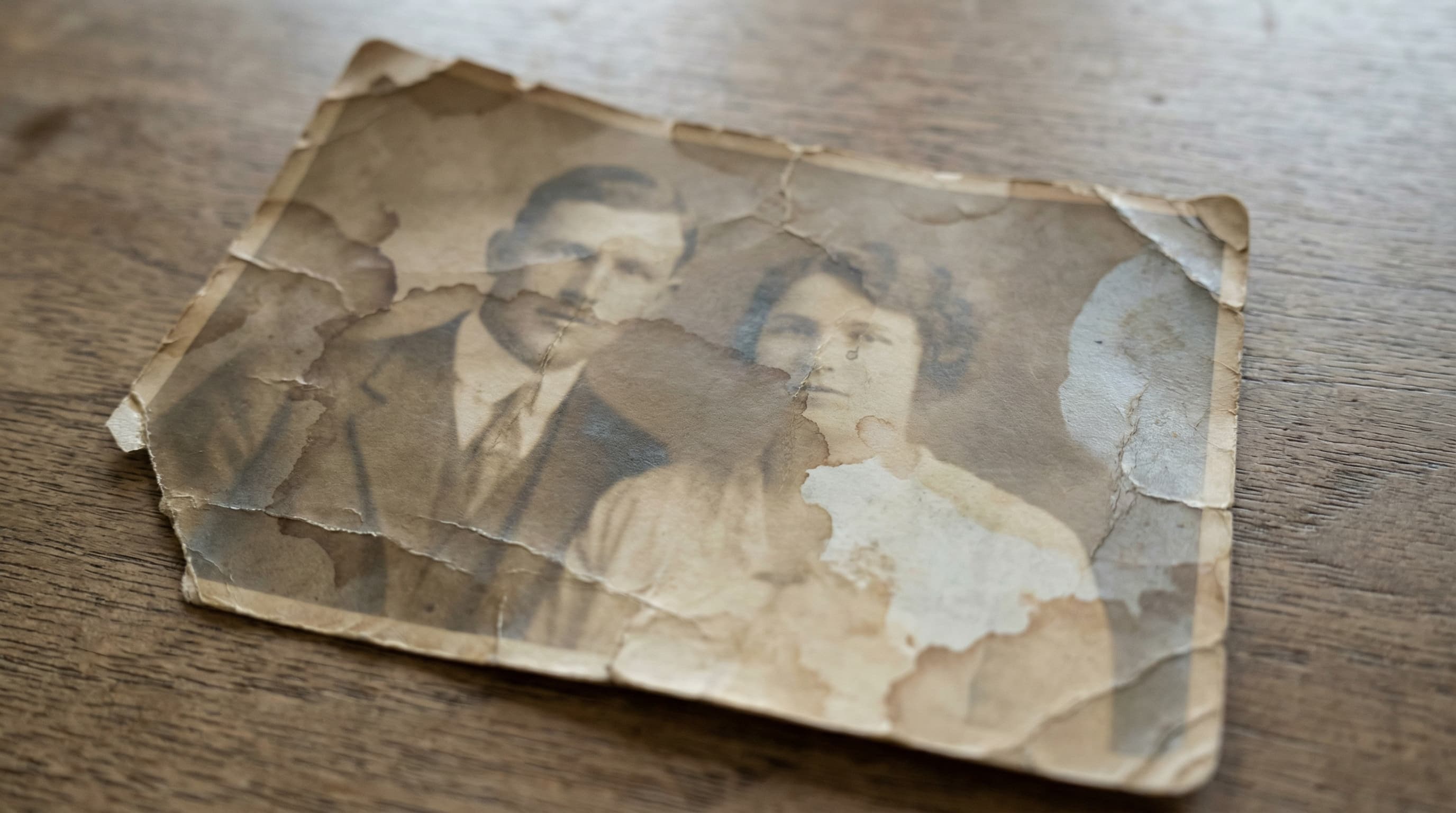
- Complex damage: Photos with multiple overlapping types of damage — a torn, faded, water-stained photograph with mold spots and missing sections — require a coordinated approach that addresses each issue without creating new problems. This is where experience matters most.
Turnaround time
Professional restoration is typically completed in 2-7 business days, depending on the complexity of the work and the service's current workload. This means you invest a few minutes uploading your photo and receive a finished result back without spending any personal time on the actual work.
Side-by-Side Comparison
Here is a practical comparison across the factors that matter most:
Cost
- DIY: Free to $23/month for software, but factor in your time at your personal hourly value.
- Professional: $19 to $59 per photo at RestoredPast, with results delivered in days. For a complete cost breakdown, see our photo restoration pricing guide.
Quality
- DIY: Good for basic corrections. Variable and often obvious for complex repairs.
- Professional: Consistently high across all damage types. Invisible repairs are the standard.
Time required
- DIY: 2-25+ hours per photo depending on damage and skill level.
- Professional: 5-10 minutes to upload. Results returned in 2-7 business days.
Skill required
- DIY: Intermediate to advanced photo editing skills for anything beyond basic adjustments.
- Professional: None. You just upload a scan or clear photograph of the original.
Risk
- DIY: Moderate. Over-editing, artifacts, and unnatural results are common pitfalls. Always work on a copy, never the original scan.
- Professional: Low. Reputable services work on copies, offer revisions, and guarantee satisfaction.
Best for
- DIY: Lightly damaged photos of personal (not heirloom) significance, hobbyists who enjoy the process, situations where budget is the primary constraint.
- Professional: Important family heirlooms, severely damaged photos, facial reconstruction, large collections, anyone who values their time.
When to Choose DIY
DIY restoration is a solid choice when:
- The photo only needs basic corrections (fading, minor scratches, color shift)
- You have intermediate or better skills with Photoshop, GIMP, or similar software
- You enjoy the process and consider it a hobby or learning experience
- The photo has personal significance but is not a one-of-a-kind heirloom
- Budget is your primary concern and you value your time less than the cost of professional service
When to Choose Professional Restoration
Professional restoration is the better choice when:
- The photograph is an irreplaceable heirloom
- Damage involves faces, missing sections, or complex overlapping issues
- You want guaranteed, consistent results without personal time investment
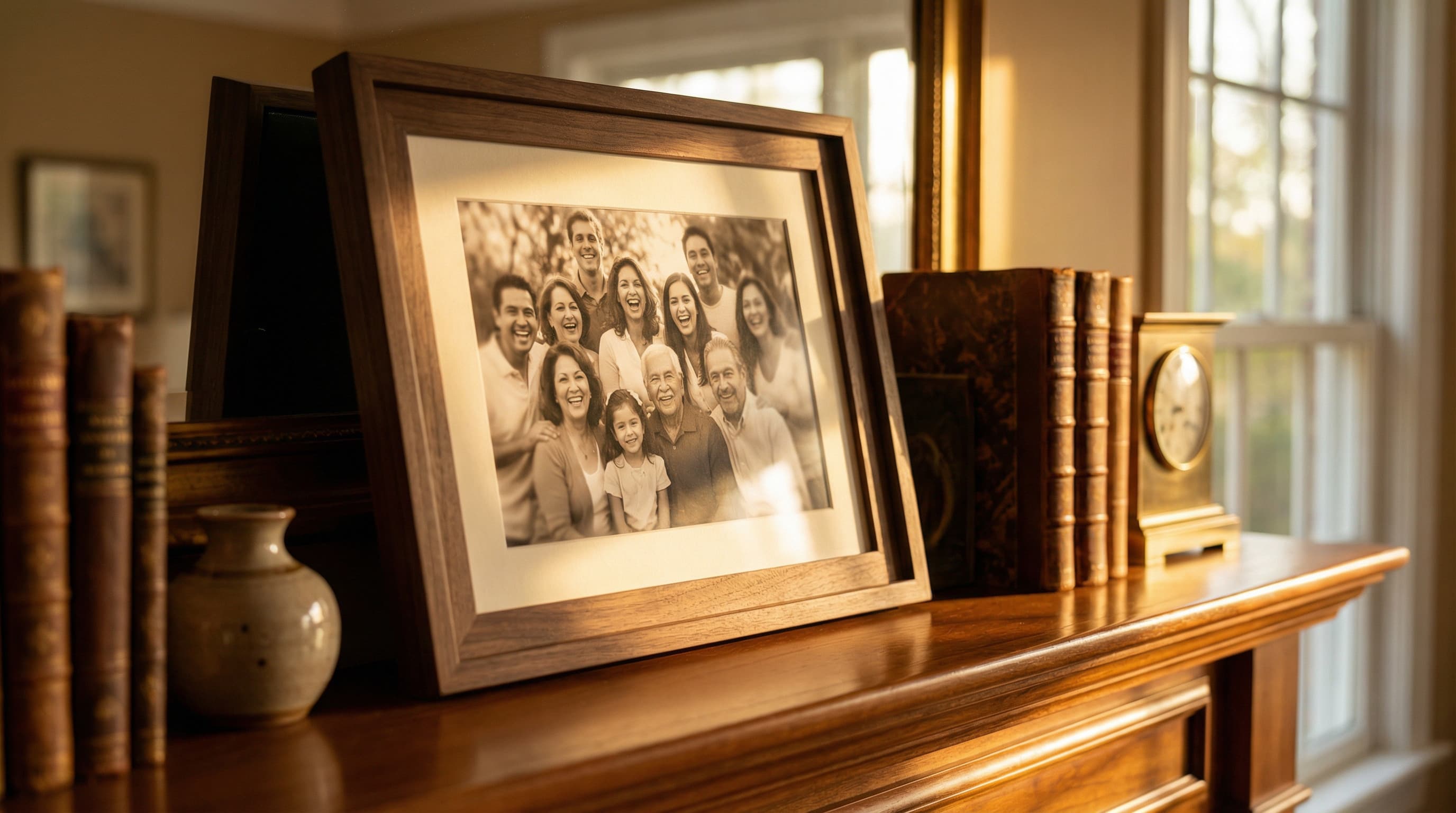
- You plan to print, frame, or gift the restored photograph
- You are restoring a collection of photos and need consistent quality
- You do not have photo editing experience and would rather not learn
A Hybrid Approach
Many people find that a combination works best. You might do basic color correction and scratch removal yourself on photos with light damage, and send the more challenging restorations to a professional service. This lets you enjoy the DIY process where it makes sense while ensuring your most important photographs receive expert treatment.
At RestoredPast, we are happy to work alongside your own efforts. If you have started a restoration and hit a wall — a tear you cannot fix, a face you cannot reconstruct — you can upload your partially restored version and we will take it from there. You can also start from scratch with the original scan if you prefer.
Frequently Asked Questions
Can I restore photos on my phone?
You can make basic adjustments — brightness, contrast, cropping — on a phone. However, detailed restoration work requires a computer with a proper photo editor and a large screen where you can see fine details at full zoom.
What software do professionals use?
Most professional restoration artists use Adobe Photoshop as their primary tool, often supplemented by specialized plugins and custom techniques developed over years of practice. The software is the same tool available to anyone — it is the skill and experience of the artist that makes the difference.
How do I find a reputable restoration service?
Look for services that show before-and-after examples, offer revisions, have clear pricing, and stand behind their work with a satisfaction guarantee. Reviews and testimonials from real customers are also valuable. At RestoredPast, we offer a satisfaction guarantee on every order so you can trust the quality of our work.
Will a professional keep my photo confidential?
Reputable services treat all client photographs as private and confidential. At RestoredPast, we never share, publish, or use client photos without explicit written permission.
Can I learn professional-level photo restoration?
Absolutely, but expect it to take significant time. Most professional restoration artists have spent years refining their skills. If you are interested in learning, start with basic retouching tutorials, practice regularly, and progressively take on more challenging projects. It is a rewarding skill that combines technical knowledge with artistic ability.
Make the Right Choice for Your Photos
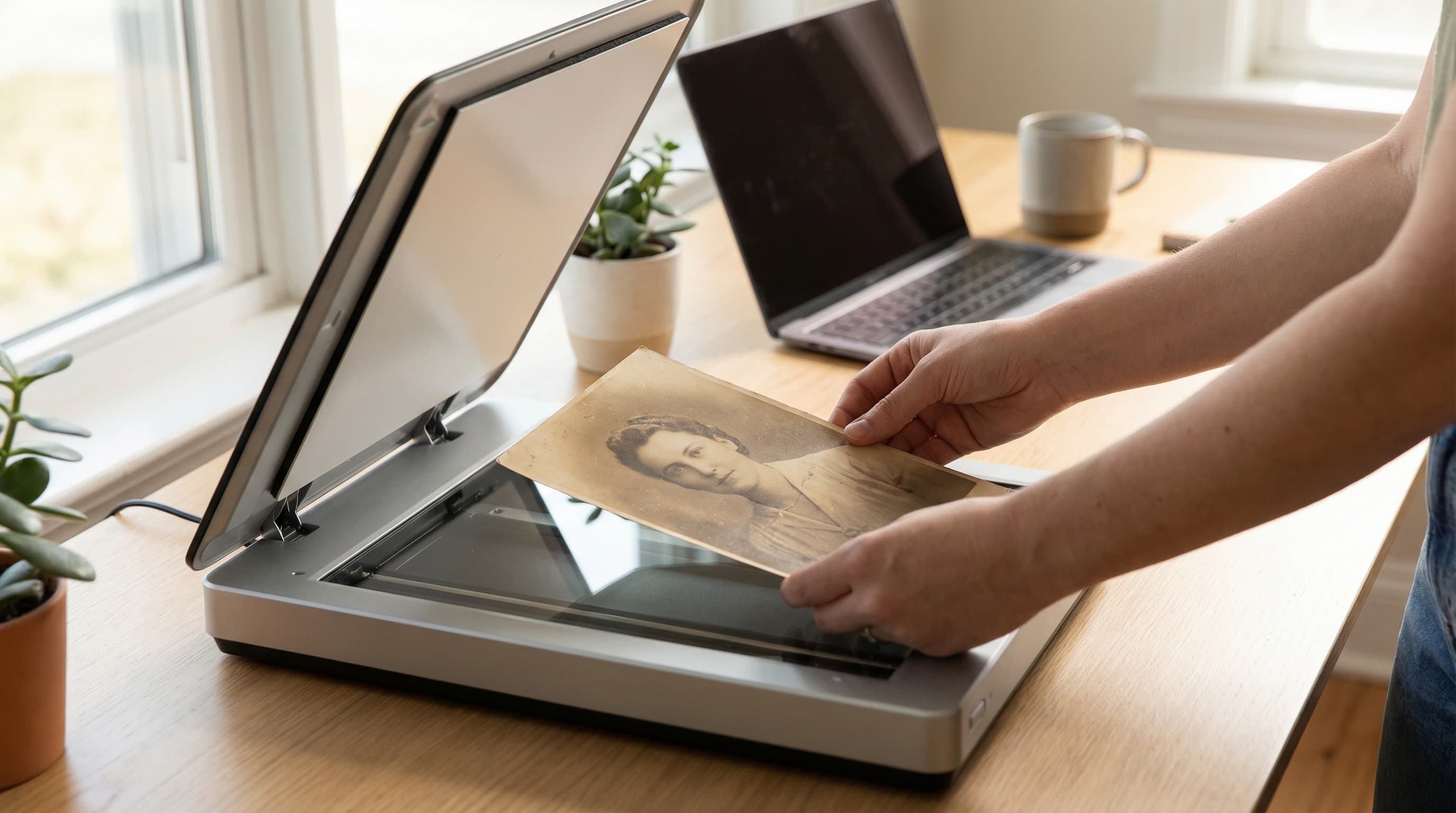
Whether you choose DIY, professional, or a combination of both, the most important step is to start. Damaged photographs continue to deteriorate over time, and every day that passes means a little more detail lost. Digitize your photos now — even if you do not restore them immediately — and you will have preserved them at their current best for whenever you are ready.